


**What's actually happening:** Your competitors aren't working harder — they've connected their software so routine tasks happen automatically. McKinsey research shows this kind of automation cuts operational costs by at least 30%.
**What to do:** Start with one repetitive workflow that touches multiple systems. I'll walk you through exactly how in 'Your First Week With Business Process Automation' below.
The Work That Multiplied While You Weren't Looking
I've been watching small businesses drown in administrative work for three decades now. The pattern is always the same: the business grows, the software multiplies, and suddenly your best people spend half their day copying information from one system to another.
Here's what changed in the last two years: the tools that fix this problem stopped being expensive enterprise software. They're now accessible to a 10-person company. But most small business owners don't realize the solution exists — they assume the administrative burden is just the cost of doing business.
It isn't. And in a minute, I'll show you the counterintuitive reason why starting small actually works better than trying to automate everything at once.
The math is brutal. When a customer buys something from you, someone has to send a confirmation email, update inventory, create an invoice, add the customer to your contact database, and notify fulfillment. That's five separate tasks across multiple systems. Your competitor using automation does all five in seconds — automatically.
What Business Process Automation Actually Means (In Plain English)
Business process automation is software that handles repetitive tasks so your people don't have to. Think of it like setting up dominoes: when the first one falls (a customer places an order), all the others fall automatically (email sent, inventory updated, invoice created).
The technical term for this is the "when this happens, do that" model. A trigger from one program automatically executes an action in another. No human has to log into multiple systems and click buttons. The software handles it.
This differs from just using software. You probably already have accounting software, a customer database, maybe an email tool. Automation connects them so they work together without manual intervention.
McKinsey estimates that about half of all work could be automated with existing technology. That doesn't mean half your staff becomes unnecessary — it means they stop doing data entry and start doing the work that actually requires human judgment.
The Three Types of Automation (And Which One Fits Your Business)
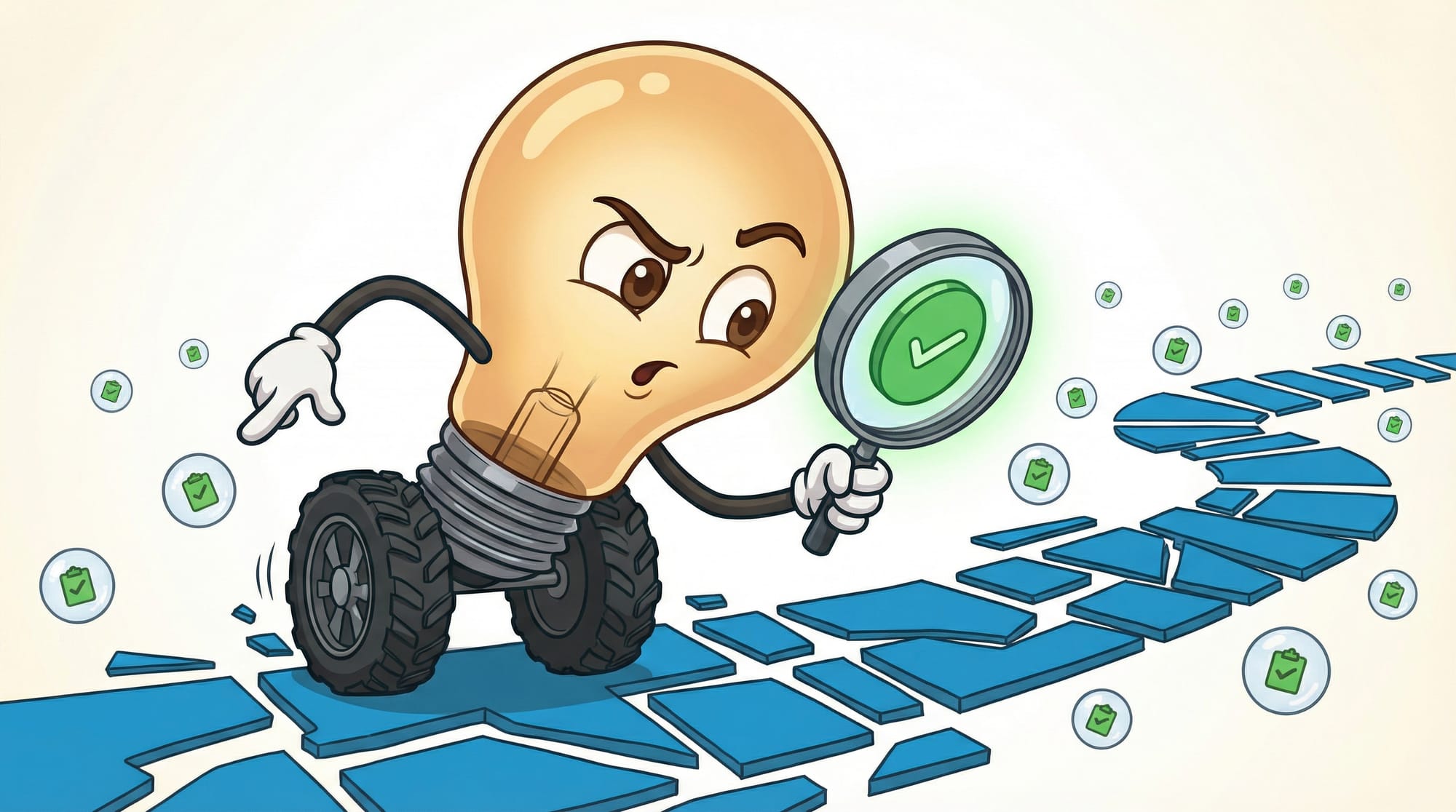
Not all automation works the same way. Understanding the differences helps you pick the right starting point.
Task Automation: The Quick Wins
This is the simplest form — automating a single repetitive activity. Setting up automatic calendar reminders. Sending a welcome email when someone joins your mailing list. Creating a folder when a new project starts.
Task automation requires minimal setup and delivers immediate relief. The downside: you're automating one thing at a time, which can feel like playing whack-a-mole with your administrative burden.
Workflow Automation: Connecting the Dots
This links several tasks together within a department. When an expense report gets submitted, it automatically routes to the right manager for approval, sends a reminder if they don't respond in 48 hours, and updates the accounting system once approved.
Workflow automation is where most small businesses should focus first. It tackles actual bottlenecks rather than isolated annoyances.
Enterprise Automation: The Full Picture
Enterprise process automation scales automation across an entire organization. It connects sales, operations, finance, and customer service into a unified system where information flows automatically between departments.
Most small businesses don't need this level of complexity. But if you're running a 50-person operation with multiple locations, it becomes relevant.
How to Spot Your Best Automation Opportunities
The biggest mistake I see: trying to automate everything at once. That's a recipe for a half-finished project and $10,000 in consulting fees with nothing to show for it.
Instead, look for these signals:
- **The copy-paste workflow** — Any task where someone copies data from one system and pastes it into another. This is the lowest-hanging fruit.
- **The checklist nobody follows** — If you have a documented process that people skip steps on, automation enforces consistency better than training ever will.
- **The bottleneck person** — If everything waits on one person's approval or input, automation can route, remind, and escalate without human intervention.
- **The after-hours complaint** — Tasks that pile up over weekends or evenings and create Monday morning fires are perfect automation candidates.
- **The error-prone task** — Anywhere typos, missed steps, or human error cause problems downstream.
McKinsey's AI thought leader Alexander Sukharevsky believes up to 70% of employee tasks could soon be automated. That doesn't mean 70% of your business — some work genuinely requires human judgment. But the mechanical stuff? That's fair game.
The Part Most Consultants Won't Tell You
Here's the counterintuitive truth I promised earlier: the best automation projects start embarrassingly small.
I've watched dozens of businesses try to automate their entire sales pipeline in week one. They spend months planning, buy expensive software, and end up with something too complex for their team to maintain. Six months later, everyone's back to spreadsheets.
The businesses that succeed? They automate one thing first. Usually something boring — like automatically adding new customers to their email list, or sending a reminder when an invoice goes unpaid for 14 days.
That single automation does three things. First, it delivers immediate value that justifies the effort. Second, it teaches your team how automation actually works in your specific context. Third, it reveals unexpected complications before you've built a house of cards.
The consultant who wants to sell you a $50,000 transformation project won't mention this. The software vendor pushing an enterprise package won't either. But it's how automation actually succeeds in small businesses.
What Business Process Automation Software Actually Costs
The landscape breaks down into three categories, each serving different needs:
**Integration platforms** like Zapier and Make connect your existing software. They're the "duct tape" of automation — simple to set up, flexible, and priced by how much you use them. Most small businesses can start for $20-50/month. These work best when you want to connect tools you already have.
**Work OS platforms** like Airtable and monday.com combine databases, project management, and automation in one place. They're $10-20 per user per month and work best when you're willing to move some of your work into their system.
**Open-source options** like n8n can be self-hosted for free (or low-cost cloud hosting). They require more technical knowledge to set up but offer unlimited flexibility and no per-task fees.
The hidden costs matter more than the sticker price. Budget 2-4 hours of setup time for your first automation, and expect a learning curve. The software itself is cheap; the expertise to use it well takes time to develop.
Forrester predicts automation can cut operating costs by up to 90%. I'm skeptical of numbers that high for most small businesses, but 30-50% cost reduction on specific workflows? I've seen that repeatedly.
Where Automation Breaks (And How to Avoid It)
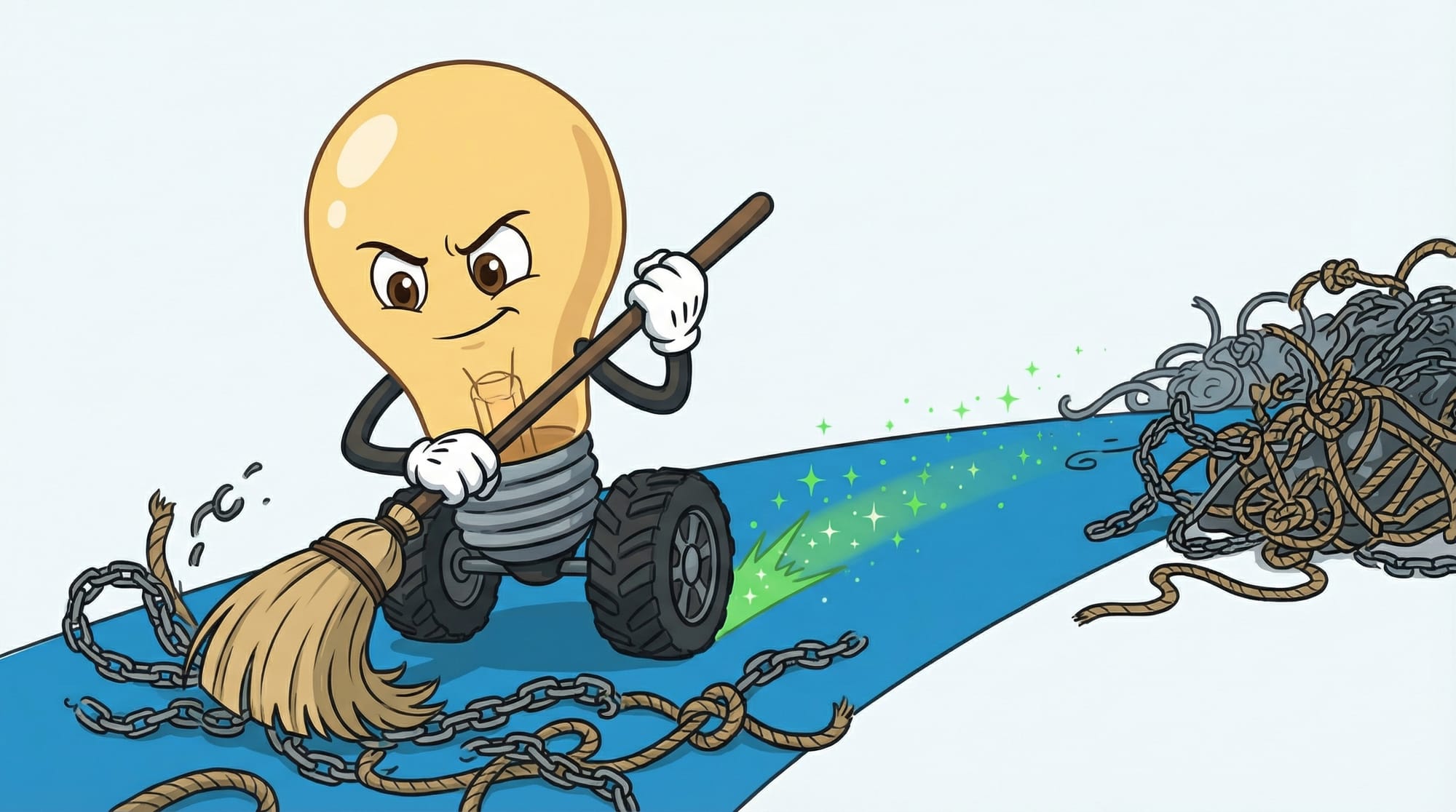
- **The exception problem** — Automation handles the normal case beautifully. The weird edge cases that happen 10% of the time? Those break everything. Map your exceptions before you automate.
- **The maintenance orphan** — Someone builds an automation, then leaves the company. Nobody else understands how it works. Document what you build, even if it feels tedious.
- **The data quality trap** — Automation amplifies whatever goes in. Bad customer data becomes bad automated emails, bad invoices, bad reports. Clean your data before you connect systems.
- **The over-engineering spiral** — You automate one thing, then add another trigger, then another condition, then an exception handler. Suddenly your simple automation has 47 steps and breaks monthly. Keep it simple.
- **The vendor lock-in** — Building complex automations on one platform makes switching painful. Use standardized connections where possible.
Signs Your Automation Is Actually Working
Don't trust the software's dashboard alone. These are the real indicators:
- **Time recovery** — Track how long the manual task took before automation. If someone spent 5 hours/week on data entry that's now automatic, you should see 5 hours of different work happening.
- **Error reduction** — Count the mistakes. If invoices used to have 8% error rate and now have 2%, automation is working.
- **Speed improvements** — Measure response times. Customer inquiry to quote delivery. Order to shipment. These should measurably improve.
- **Employee feedback** — Ask the people who used to do the work. If they're relieved, you've automated the right thing. If they're worried the automation breaks constantly, you haven't.
- **Cost per transaction** — Calculate what it costs to process an order, handle a customer request, or complete a sale. This number should trend down.
Nearly 80% of top-performing companies have used marketing automation for more than 2 years, according to research firm Gleanster. That's not because it's trendy — it's because measurable results compound over time.
Your First Week With Business Process Automation
Here's the exact sequence I recommend for businesses just starting out:
- **Day 1-2: Identify your copy-paste workflow.** Watch your team for a day. Every time someone copies data from one system to another, write it down. Pick the one that happens most frequently — usually 5-10 times per day in a small business.
- **Day 2: Sign up for Zapier or Make.** Both have free tiers that let you test. If you're on the free tier, you're limited to 100 tasks/month on Zapier — that's fine for testing. Don't buy a paid plan until you've proven the concept.
- **Day 3: Build your first automation.** Pick the simplest version of your identified workflow. "New form submission → add to spreadsheet" is easier than "new form submission → qualify lead → route to appropriate salesperson → schedule follow-up." Start simple.
- **Day 4-5: Test with real data.** Run 10-20 real transactions through your automation. Check every output. Look for edge cases that break things. Fix what breaks.
- **Day 5-7: Monitor without intervening.** Let the automation run on its own for a few days. Resist the urge to manually fix things. Note what breaks — these are the issues you need to address.
- **Week 2+: If it works, expand. If it breaks, fix or simplify.** Most first automations need refinement. Budget $30-50/month for your automation platform once you move past testing.
What This Means for Your Business in 2026

The gap between automated and non-automated businesses is widening. According to recent research, companies using enterprise automation grow revenue 2.5x faster. That's not magic — it's math. When your team spends less time on administrative work, they can spend more time on revenue-generating activities.
The good news: low-code and AI-powered automation tools make it easier than ever to implement business process automation without heavy IT investment or long deployment cycles. You don't need a technical team. You need a clear view of where your time actually goes.
89% of business leaders say an AI strategy is now a key factor when choosing a CRM. That statistic signals where things are heading. The businesses that figure out automation now will have significant advantages over those who wait.
- **Start smaller than feels significant.** One workflow, one automation, one win. Expand from proven success.
- **Budget for learning time, not just software.** The tools are cheap. The expertise to use them well takes 10-20 hours to develop.
- **Measure before and after.** If you can't quantify what automation saved, you won't know if it's working.
- **Document everything.** The person who builds automation shouldn't be the only one who understands it.
- **Plan for maintenance.** Software updates, API changes, and edge cases all require ongoing attention. Budget 1-2 hours/month per active automation.
For more on connecting automation to your broader technology strategy, see our AI operations guide and the detailed breakdown in our AI project management tools guide.
Frequently Asked Questions
How much does business process automation cost for a small business?
Most small businesses can start for $20-50/month using integration platforms like Zapier or Make. Work OS platforms like monday.com run $10-20 per user. The bigger cost is time: expect 2-4 hours to set up your first automation, and a 10-20 hour learning curve to use these tools confidently. Budget for that time investment, not just the software subscription.
What should I automate first?
Start with "copy-paste workflows" — any task where someone copies data from one system into another. These are the lowest-hanging fruit because they're purely mechanical, happen frequently, and create obvious time savings. Common first automations: new contact → add to email list, form submission → create spreadsheet row, invoice overdue → send reminder email.
Do I need technical skills to set up business process automation?
No. Modern automation tools like Zapier and Make are designed for non-technical users. If you can use Excel or Google Sheets, you can build basic automations. More complex workflows may eventually need technical help, but most small businesses can handle their first 5-10 automations without any coding.
How long before I see results from automation?
You should see time savings within the first week if you've picked the right workflow. Meaningful ROI usually becomes clear within 30 days. If you've been running an automation for a month and can't point to specific time or cost savings, you've automated the wrong thing — go back to identifying higher-impact workflows.
What's the difference between RPA and business process automation?
Robotic Process Automation (RPA) uses software to complete individual tasks — clicking buttons, filling forms, moving data. Business process automation connects multiple tasks into complete workflows. RPA is a tool that can power parts of BPA. Think of RPA as individual Lego blocks; BPA is the assembled structure.
Sources
- Process Street - Business Process Automation Guide
- Logic Inc - How to Automate Manual Processes
- Slack - Enterprise Process Automation Guide
- Zapier - Automation for Small Businesses
- ASA Team - Business Process Automation Tools 2025
- Keap - 25 Things Every Small Business Should Automate
- Salesforce - Automate Your Small Business


