


**The reality in 2026:** The best AI personal assistant isn't Siri or Alexa. It's open-source software called OpenClaw that can actually do things on your computer. It has 116,000 GitHub stars and attracted 2 million visitors in a single week.
**What to do:** I'll walk you through what's actually working, what it costs, and how to set it up in 'What to Set Up This Week' below.
Peter Steinberger runs his entire personal and professional life through OpenClaw in just 40 minutes of daily AI interaction — across 50+ messaging platforms. It's a solid look at how a technical founder actually uses the tool he built, and I've pulled out the key takeaways below.
How OpenClaw's Creator Uses AI to Run His Life in 40 Minutes | Peter Steinberger
The 40-Minute Workday That Changed My Thinking
I've been skeptical of personal AI assistants for years. Siri couldn't even set a timer reliably in 2019. Google Assistant forgot context between sentences. The whole category felt like a broken promise dressed up in marketing.
Then I watched Peter Steinberger — the guy who built PSPDFKit, a company used by apps you definitely have on your phone — demonstrate how he runs his entire business life in about 40 minutes a day.
Not 40 minutes of focused work and then eight hours of meetings. Forty minutes total. The rest of his day is thinking, traveling, or just... living.
In a minute, I'll show you exactly how he fixed a bug in his code repository while hiking in Morocco — without touching a laptop. But first, you need to understand why everything about this category just changed.
What Actually Makes an AI Personal Assistant "Personal"
The personal AI assistant market is projected to grow from $3.35 billion in 2025 to $21.11 billion by 2030. That's a 44.5% growth rate annually. Money like that attracts a lot of noise.
Here's how I cut through it: a real personal AI assistant needs to do three things that Siri and Alexa never figured out.
- **Actually take action.** Not just tell you what to do — do it. Send the email. Book the appointment. Fix the code. Check you in for your flight.
- **Connect to your real tools.** Your calendar, your messaging apps, your files, your business software. All of them, not just the ones from one company.
- **Learn your preferences without you teaching it.** Figure out that you prefer morning meetings, that you always want flight confirmations forwarded to your spouse, that you never respond to cold sales emails.
By these criteria, most "AI assistants" are just chatbots with good marketing. They answer questions. They don't manage your life.
Teams using AI tools multiple times daily save up to 26 minutes per day. That's two full weeks annually. But the difference between the best AI personal assistant and a mediocre one is whether those 26 minutes come from real task completion or just faster Googling.
The OpenClaw Phenomenon: Why 2 Million People Showed Up in One Week
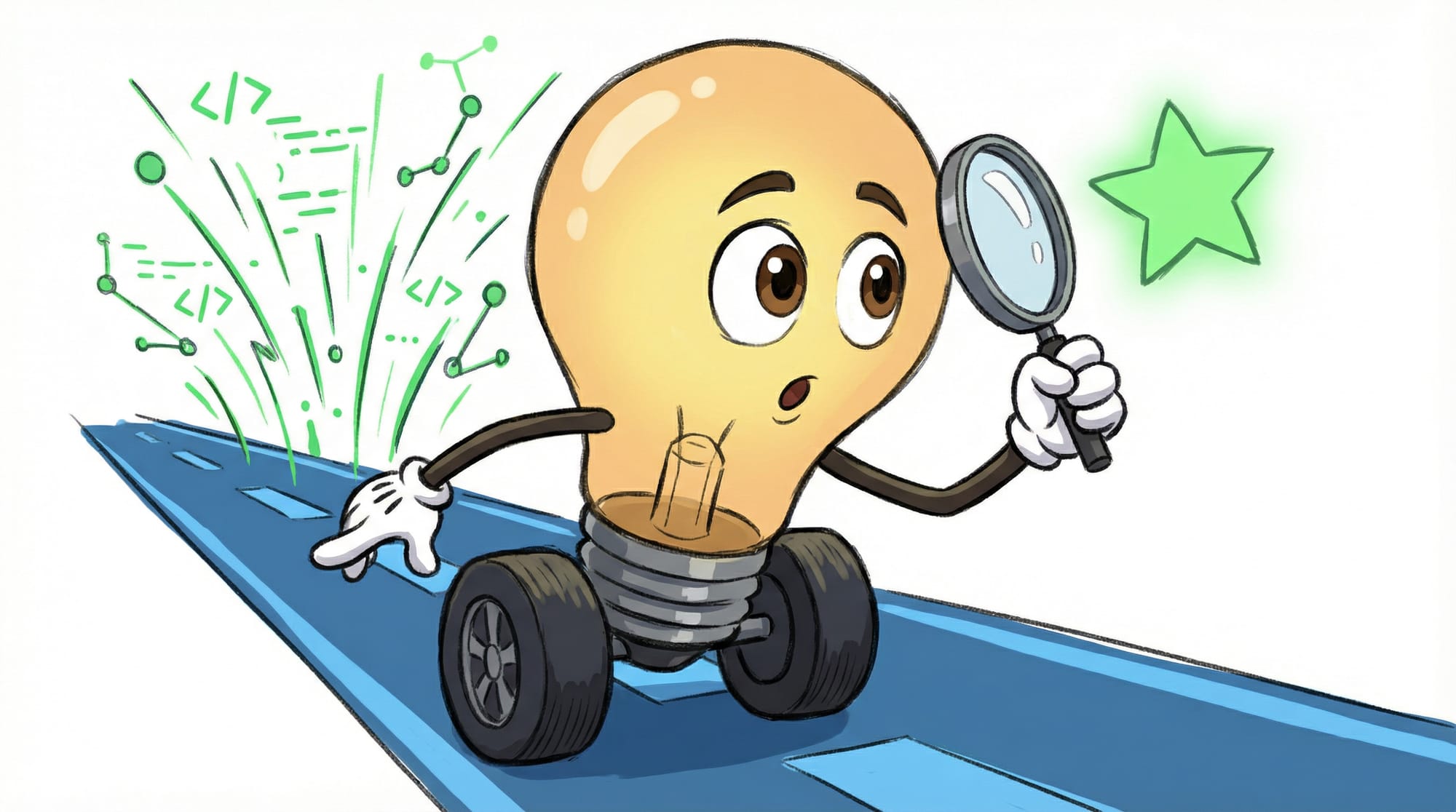
Something happened in late 2025 that caught the entire tech industry off guard. An open-source project called Clawdbot (later renamed to OpenClaw after legal pressure from Anthropic) went from a one-hour weekend project to the most-starred AI repository on GitHub.
The numbers are almost unbelievable. Over 116,000 GitHub stars. Two million visitors in a single week. And here's the kicker — it started as 100 lines of code that just connected WhatsApp to an AI model.
"It kind of got a life of its own," Steinberger explained in a recent interview. "It started as basically hooking up WhatsApp to Claude. Built it in one hour. Now it's 300,000 lines of code."
The project had to rebrand three times in two months: from Clawdbot to Moltbot (January 27, 2026) after legal pressure from Anthropic over the name similarity to Claude, then to OpenClaw (January 30, 2026). The drama only increased the attention.
Why did this project explode when so many AI tools struggle for attention? Because it does what Siri promised and never delivered: it actually executes tasks on your computer.
How Peter Steinberger Fixed a Bug From Morocco Without Touching His Laptop
This is the moment that convinced me everything changed.
Steinberger was on a trip in Morocco. Someone tweeted at him about a bug in one of his open-source repositories. He didn't open his laptop. He didn't SSH into a server. He just took a screenshot of the tweet and sent it to WhatsApp.
Here's what happened next, in his words:
It read the tweet. It understood that there was a bug in one of my repositories. It checked out the git repository. It fixed it. It did a commit and then it replied to the person on Twitter that it's fixed now. — Peter Steinberger, OpenClaw creator
Read that again. From a screenshot of a tweet to a fixed, committed, and publicly announced code change — without any human touching a keyboard.
This isn't theoretical AI capability. This is running in production right now. And it only costs about $2,400 per year to run on a Mac Mini as your personal 24/7 AI employee.
Why Your Phone Might Lose 80% of Its Apps
Steinberger made a prediction that stopped me cold: AI assistants like this will eliminate approximately 80% of the apps on your phone.
Think about why you have most apps installed. A fitness tracker to log meals. A to-do app to remember tasks. An airline app to check in for flights. A shopping list app. A habit tracker.
Each of these apps exists because it's easier than doing the task manually. But what if a single AI assistant could do all of these tasks — and do them better because it knows the full context of your life?
"Why should I use MyFitnessPal to track food," Steinberger asked, "when I have an infinitely resourceful assistant that already knows I'm making bad decisions?"
The assistant sees your calendar, your messages, your photos. It knows you have a big presentation tomorrow and you're stressed. It knows you ordered pizza twice this week. That context makes it infinitely more useful than an app that only knows one slice of your life.
By the end of 2026, 40% of enterprise applications will include task-specific AI agents — up from less than 5% in 2025. The shift from "apps that help you do things" to "AI that does things for you" is happening faster than most people realize.
The Best AI Personal Assistants for Managing Your Life in 2026
Let me break down what's actually worth your time right now. I've organized these by what kind of user you are.
OpenClaw (Open Source, Most Capable)
**Best for:** Technical users or businesses with IT support who want maximum capability.
**What it does:** Connects to 50+ messaging platforms including WhatsApp, Telegram, Slack, Discord, iMessage, Signal, and Microsoft Teams. Can take actions on your computer — running code, managing files, controlling apps.
**Cost:** Free software. About $2,400/year to run on dedicated hardware (Mac Mini) for 24/7 operation. AI API costs vary based on usage — expect $50-200/month for active use.
**The catch:** Requires setup. You'll need to configure connections to your tools and grant extensive permissions. Not for the technically faint of heart.
One remarkable capability: it can handle voice messages autonomously. In one demo, the AI received an audio file without a file extension, examined the file header to identify the format, found ffmpeg on the computer, converted it to a compatible format, and sent it to OpenAI's API for transcription — all without being explicitly told how to do any of that.
Saner AI (Best for Busy Executives)
**Best for:** Business leaders who want managed setup and don't want to touch technical configuration.
**What it does:** Focuses specifically on email, calendar, and meeting management — the tasks that consume the most executive time.
**Cost:** Subscription-based, varies by plan.
**Why it matters:** 42% of executives cite administrative tasks and busy work as their biggest productivity blockers. 30% want to delegate those tasks but don't have budget to hire help. This fills that gap.
Commercial Alternatives (When You Want Guardrails)
For users who want AI productivity without the power (and risks) of full computer control, several focused tools exist:
- **Email assistants** that draft responses and manage your inbox — see my AI email assistant guide for specifics
- **Calendar AI** that schedules meetings and finds optimal times
- **Writing assistants** integrated into the tools you already use
- **Task automation** through platforms like n8n, Zapier, or Make — I compared these in detail here
These give you productivity gains without giving software full access to your digital life.
The Part Most Guides Won't Tell You
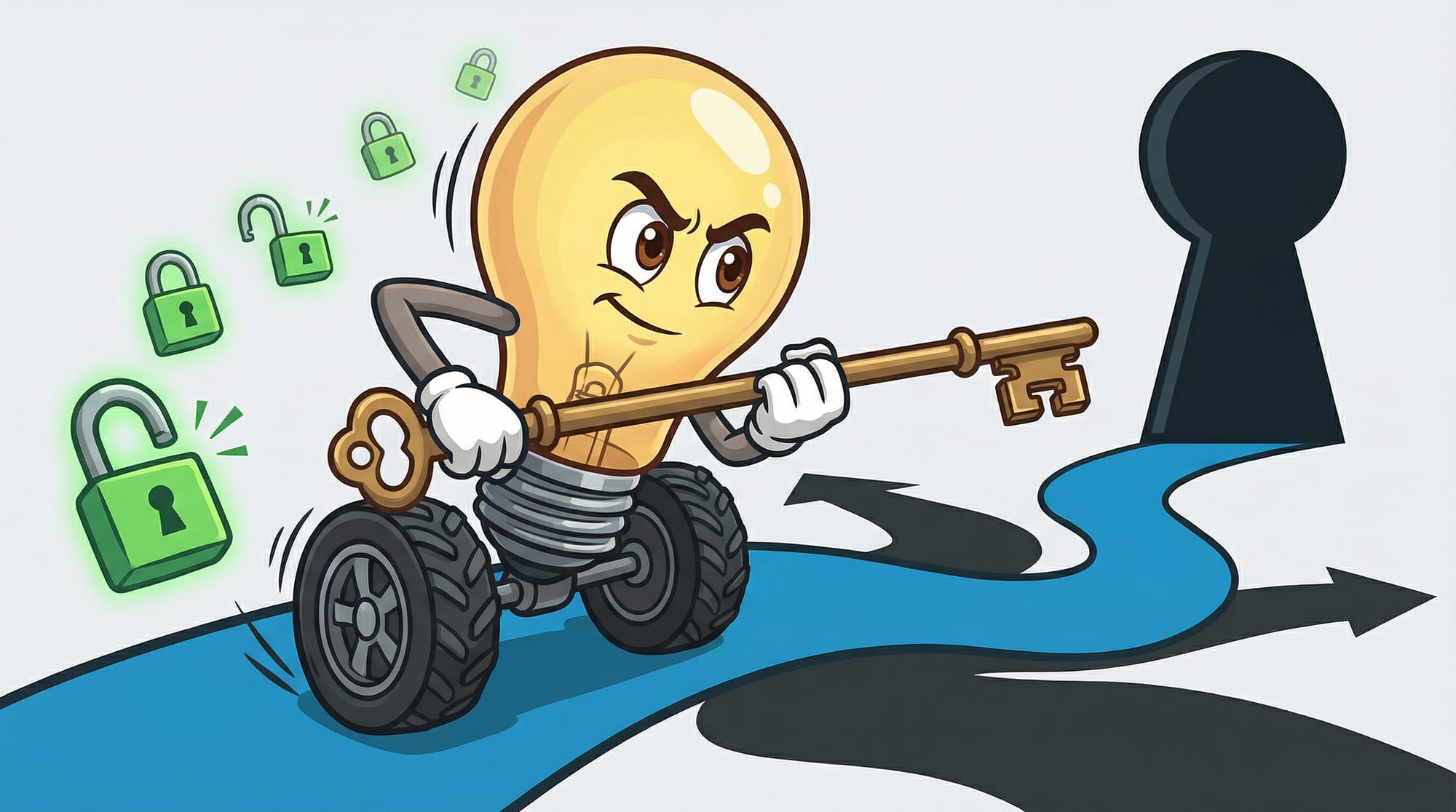
Here's where I have to be honest about something the marketing doesn't mention.
When you give an AI assistant the ability to take real actions — send emails, commit code, respond on social media, access your files — you're handing over a level of access that would terrify you if a human employee asked for it.
Steinberger himself acknowledged this: "You want to be careful about what you let it do." He runs multiple parallel AI sessions because waiting for a single agent is too slow to maintain flow state. But each of those sessions can take real actions with real consequences.
The most capable AI personal assistants are also the riskiest. OpenClaw can fix bugs in your code — it can also introduce them. It can send emails on your behalf — it can also send embarrassing ones.
This is fundamentally different from a chatbot that can only talk. A personal AI assistant that can act is closer to having an employee with admin access to everything. Treat the permissions accordingly.
How to Use AI as a Personal Assistant Without Losing Control
After watching what's working and what's breaking for early adopters, here's the framework I'd recommend:
**Start with a single channel.** Don't connect every app on day one. Pick one communication channel — Slack, WhatsApp, or email — and let the AI prove itself there first.
**Begin with observation.** Have the AI summarize what it would do before actually doing it. "I would reply to Sarah's email with..." instead of just sending.
**Create explicit boundaries.** Define what it can never do: never delete files, never send external emails without approval, never touch financial systems.
**Review the audit trail.** Any good AI assistant logs what it does. Check those logs daily at first, then weekly once you trust the patterns.
**Run parallel sessions for focus work.** Steinberger's insight about needing multiple parallel agents to stay in flow state is real. If you're doing creative or strategic work, having one agent handle interruptions while you focus with another keeps momentum.
What to Set Up This Week
Here's exactly how to start, based on your technical comfort:
- **Identify your biggest time sink.** Is it email, scheduling, research, or task management? Pick the category that costs you the most hours weekly.
- **If you're technical (or have IT help):** Install OpenClaw on a Mac Mini or cloud instance. Budget $200-300 for initial setup and first month of API costs. Connect to ONE messaging platform first — WhatsApp is the most common starting point.
- **If you want managed setup:** Start with a focused tool for your biggest pain point. Email assistants typically show ROI within 2 weeks at under $50/month.
- **Set a 2-week evaluation period.** Track time saved with a simple note each day. If you're not saving at least 30 minutes daily by week 2, the tool isn't right for you.
- **Graduate permissions slowly.** Week 1: observe and suggest only. Week 2: allow actions on low-stakes items. Week 3+: expand as trust builds.
- **Budget reality check:** Expect $50-200/month for capable AI assistant usage. Compare that to the cost of your time. If you bill at $100/hour, saving 5 hours monthly makes almost any option pay for itself.
What This Means for How You'll Work

The shift here isn't just about saving time. It's about what becomes possible when administrative friction drops to near zero.
42% of executives identify admin tasks as their biggest productivity blocker. When an AI handles the scheduling, the follow-ups, the routine communications — what do you do with the mental space that opens up?
Steinberger's answer is revealing: he thinks more. He reads more. He has space for strategy instead of execution.
The best AI personal assistant in 2026 isn't the one with the most features. It's the one that gives you back the mental bandwidth you've been losing to busywork for years. Choose accordingly.
FAQ
What is the best AI personal assistant in 2026?
For maximum capability, OpenClaw (formerly Clawdbot) leads with 116,000+ GitHub stars and the ability to take real actions across 50+ messaging platforms. For managed setup, commercial options like Saner AI offer easier onboarding with more guardrails. The best choice depends on your technical comfort and how much control you want to delegate.
How much does a personal AI assistant cost to run?
OpenClaw is free software but costs about $2,400/year for dedicated hardware (Mac Mini) plus $50-200/month in API costs for active use. Commercial alternatives typically run $30-100/month on subscription plans. Compare this to the value of your time — saving 5 hours monthly at $100/hour means almost any option pays for itself.
Is it safe to let AI take actions on my computer?
This requires careful consideration. Start with read-only permissions and let the AI suggest actions before allowing it to execute them. Define explicit boundaries for what it can never do (deleting files, financial transactions, external communications without approval). Review audit logs regularly. Treat the permissions like you would for a new employee with admin access.
Can I use AI as a personal assistant without technical skills?
Yes, but you'll trade capability for convenience. Managed services handle setup and limit risk but offer narrower functionality. For full capabilities like OpenClaw, you'll either need technical skills or IT support for initial configuration. Most users start with focused commercial tools (email, calendar) before graduating to more powerful options.
How to use AI as a personal assistant effectively?
Start with one channel (email or messaging), begin with observation mode, create explicit boundaries, review audit trails daily at first, and graduate permissions slowly. The key insight from power users: run multiple parallel AI sessions for focus work — one handles interruptions while you work with another.


